Skip to content

Product · Attract

Instagram, Facebook and Messenger in the same inbox.

Connect your Instagram professional account and your Facebook Page: direct messages and comments arrive next to your WhatsApp conversations.

Official connection through Meta.

How it works

Connect, reply, sell.

Each channel keeps its own reply rules, set by Meta.

  1. Connect your accountsInstagram professional account, Facebook Page and Messenger, in a few clicks.
  2. Get everything in one placeDirect messages and comments join the team inbox.
  3. Send to the storefrontReply, share the storefront link and track the order.
Before / With ThinqExperience

One inbox instead of four apps.

WithoutWith ThinqExperience
Instagram messagesOn one person’s phoneIn the team inbox
MessengerSeparate appNext to WhatsApp, assignable
CommentsForgotten under postsHandled from the app
AI agentNoneCan be turned on per channel
Use cases

Where your customers already write.

Each trade has its network; the team replies from the same screen.

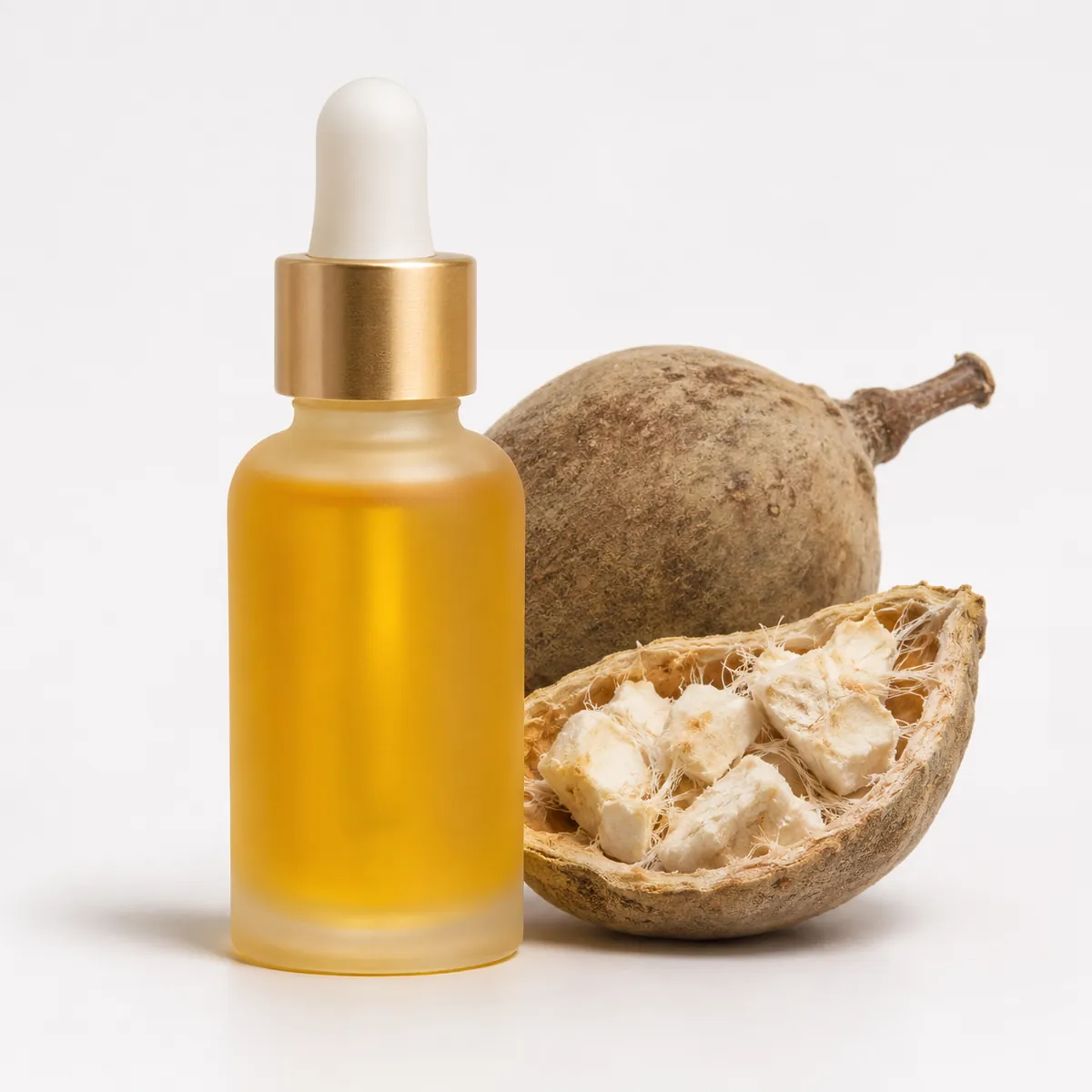
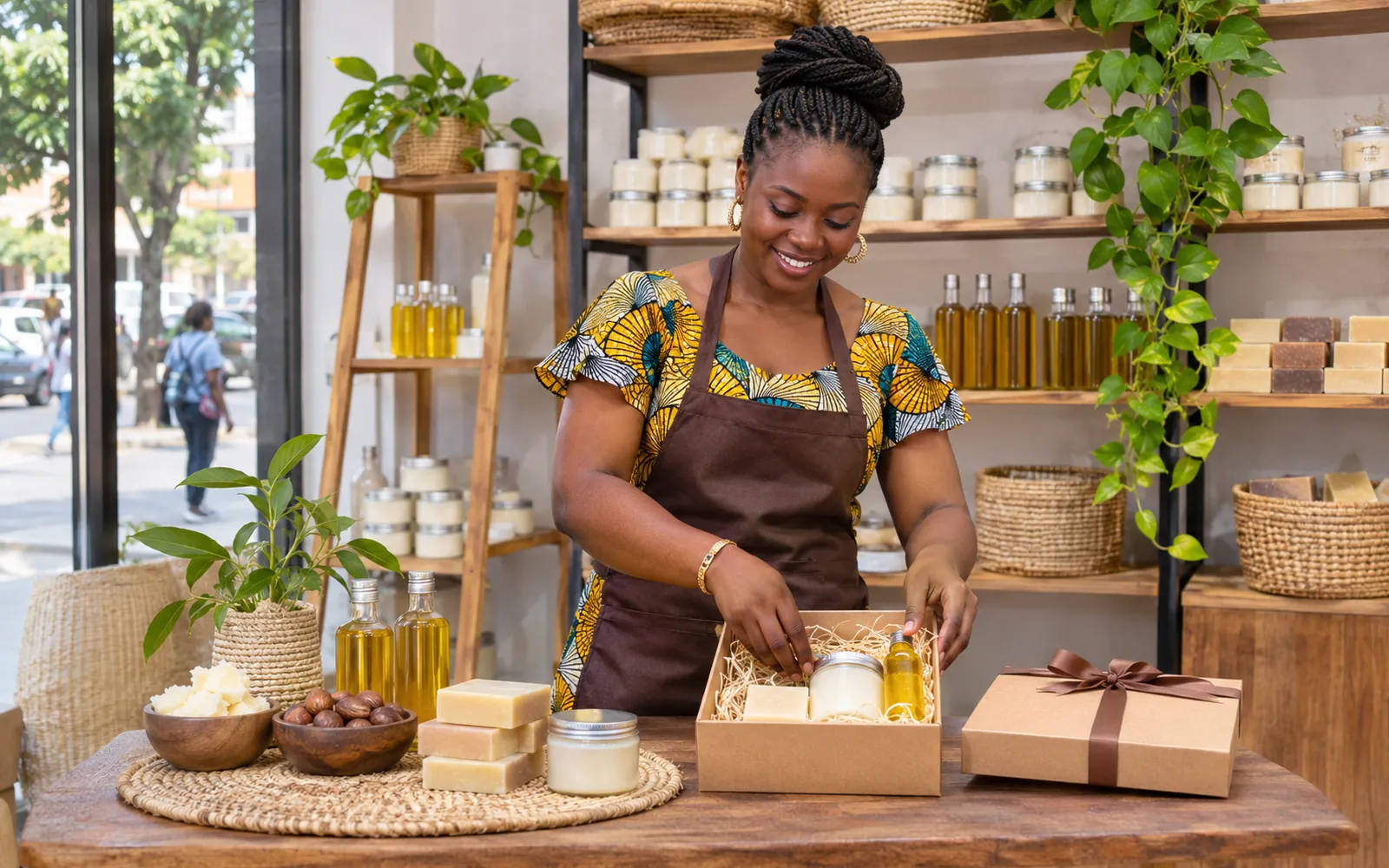
Cosmetics photographed for Instagram
Cosmetics

Story replies no longer get lost

A customer replies to a serum story: the message lands in the inbox and the team sends the product link.

  1. Story reply
  2. Conversation in the inbox
  3. Link to the product page
Open the demo storefront ›
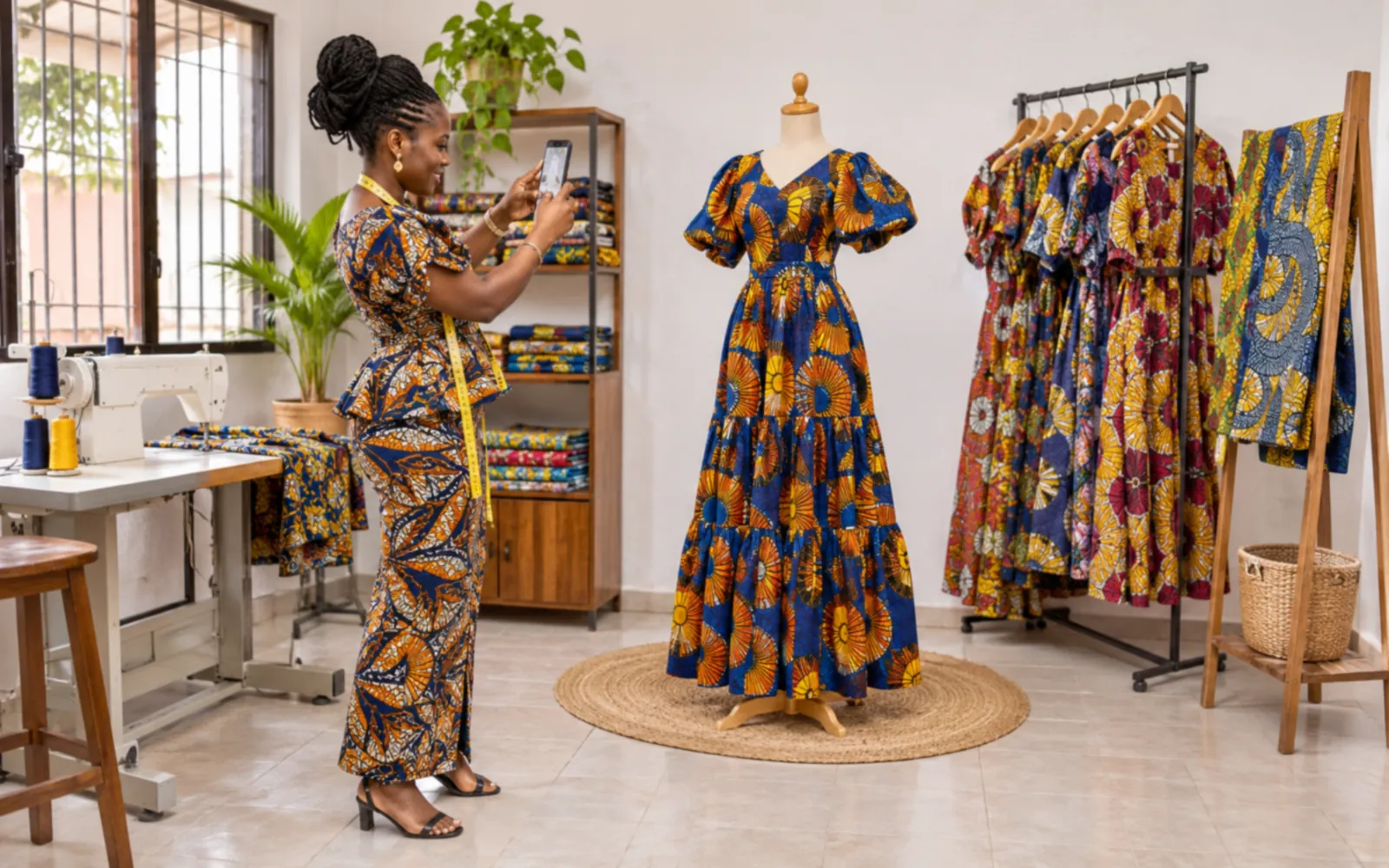
Fashion post on a phone
Fashion store

“Price?” comments handled

Comments on your Facebook and Instagram posts arrive in the app, handled like a conversation.

  1. Comment on a post
  2. Reply from the app
  3. Customer sent to the store
Open the demo storefront ›
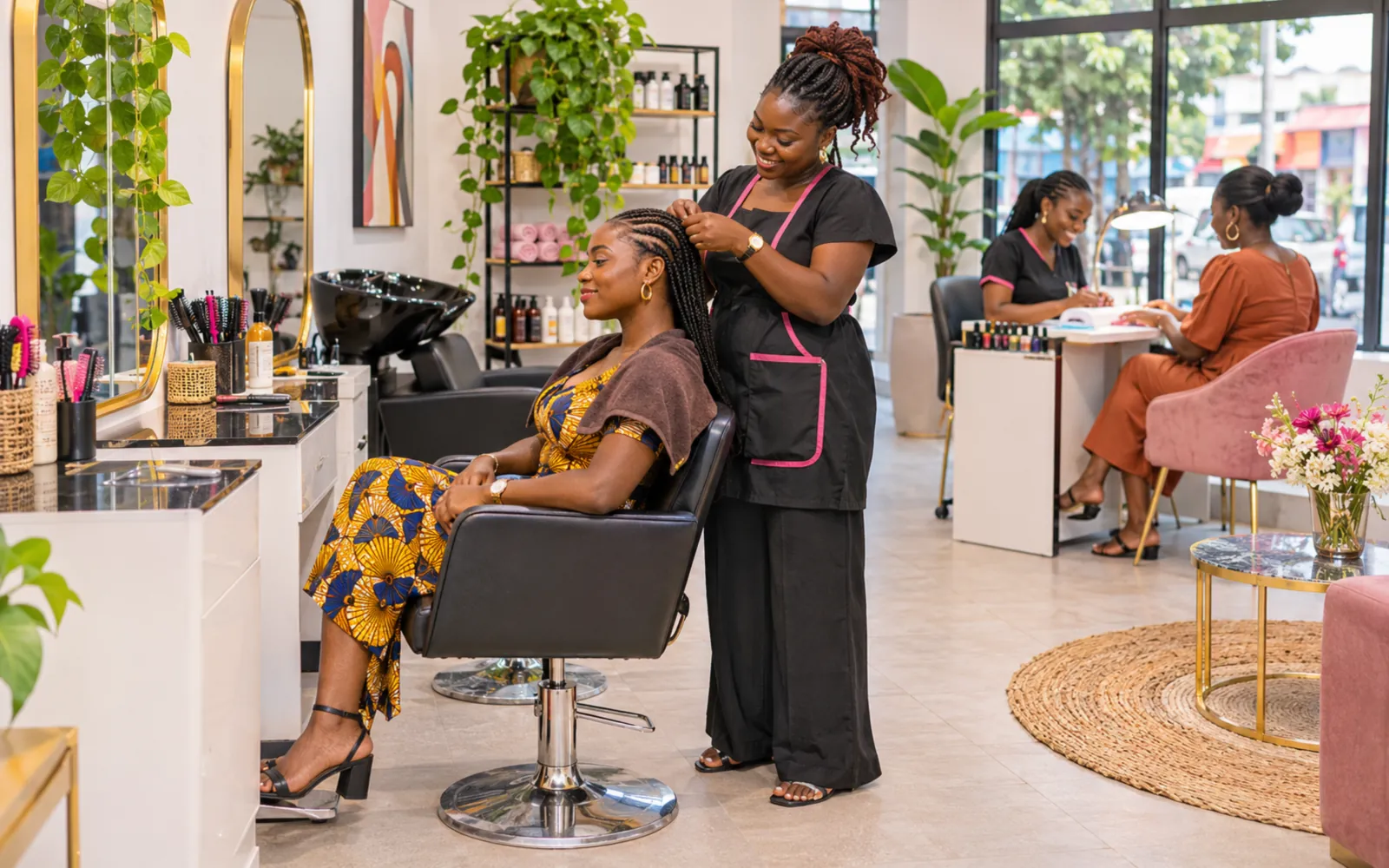
Beauty salon with a customer
Beauty salon

Messenger assigned to the right person

Appointment requests received on Messenger are assigned to the stylist concerned.

  1. Messenger message
  2. Assignment
  3. Booking link
Open the demo storefront ›
Benefits

No message lost.

Instagram direct messages

Including replies to your stories, in the inbox.

Messenger

Your Facebook Page conversations, assignable to the team.

Comments

Comments on your Facebook and Instagram posts, handled from the app.

AI agent per channel

Turn it on or off channel by channel; it is off by default outside WhatsApp.

Available for

Retail, restaurants and services.

The same feature, adapted to your business.

Restaurants

Restaurants, fast food, bakeries, bars and lounges.

FAQ

Frequently asked questions

Yes. Meta only opens messaging to professional accounts linked to a Page.

Try ThinqExperience on your business.

Free trial. Our team helps you connect your channels.