Skip to content

Product · Convert

The cart goes through WhatsApp, payment follows.

Customers fill their cart in the storefront or in the WhatsApp catalogue; the summary lands in the conversation and they pay with mobile money.

WhatsApp catalogue synced with the Meta catalogue.

How it works

Choose, receive, pay.

Everything ends in the conversation.

  1. The customer choosesIn the online storefront or the WhatsApp catalogue.
  2. The summary arrivesItems, delivery or pickup, total.
  3. They pay in advanceMTN MoMo, Orange Money or PayPal.
Use cases

From message to payment.

The cart comes from the catalogue, the total is calculated by the checkout.

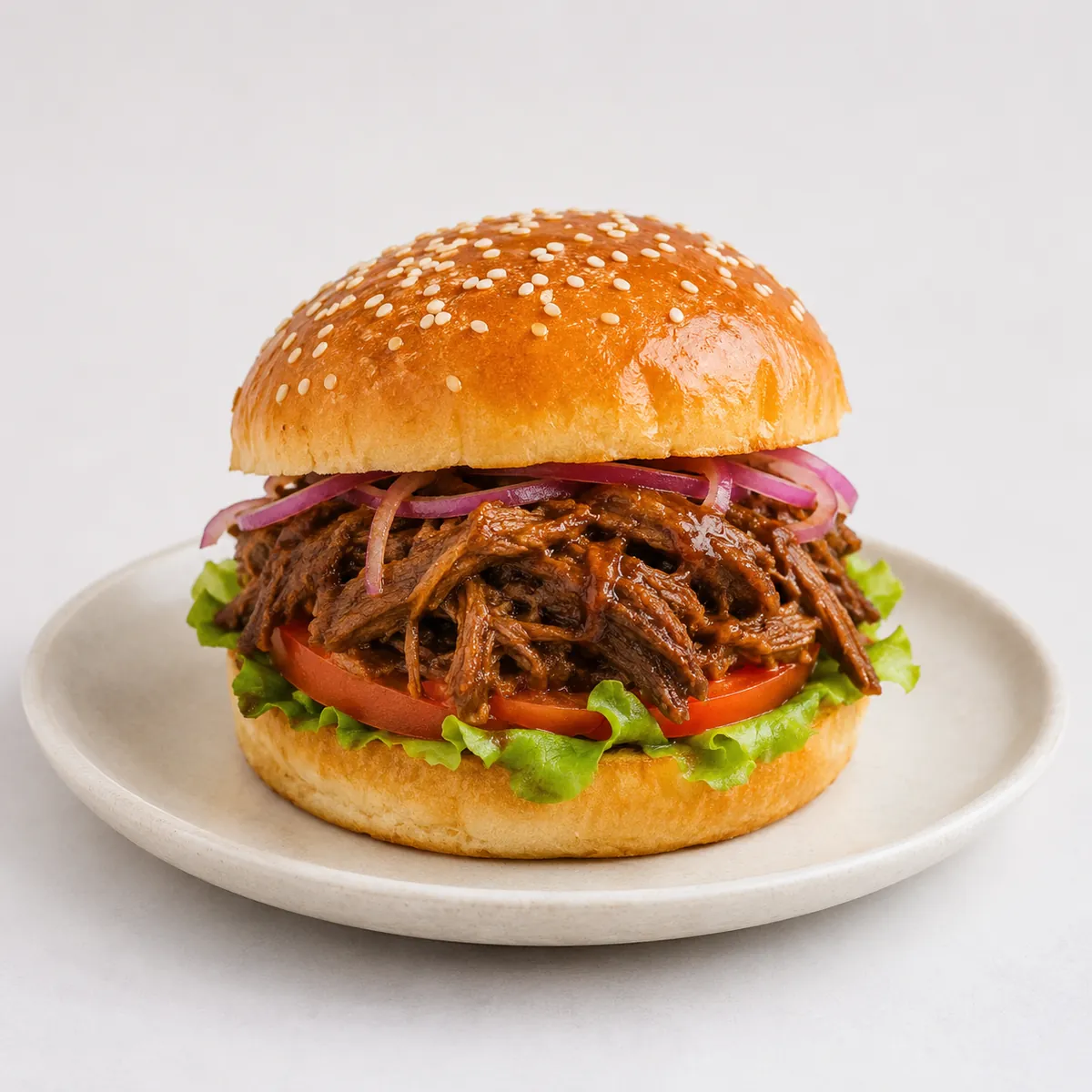
Burger order ready for delivery
Fast food

Error-free evening orders

Burgers, options and drinks come from the menu; delivery and packaging fees are added automatically.

  1. Cart from the menu
  2. Fees calculated
  3. Mobile money payment
Open the demo storefront ›
Grocery shopping bag
Grocery

The weekly shop

Rice, oil, seasonings: customers fill their cart and choose pickup or delivery.

  1. WhatsApp catalogue
  2. Pickup or delivery
  3. Summary in the conversation
Open the demo storefront ›
Folded garment ready to ship
Fashion store

The right size, first time

Variants come from the product page: no more “which size again?” in the conversation.

  1. Variant chosen
  2. Cart in the conversation
  3. Pre-filled checkout
Open the demo storefront ›
Before / With ThinqExperience

Nothing left to copy out.

WithoutWith ThinqExperience
ItemsCopied from messagesTaken from the catalogue, variants included
TotalWorked out by handDelivery, packaging and discounts included
PaymentScreenshot of the transferMTN MoMo, Orange Money or PayPal, status tracked
Unfinished cartForgottenAutomatic follow-up
Benefits

No more orders to copy out.

Error-free cart

Items, variants and quantities come from the catalogue.

Fees calculated

Delivery by zone, packaging and discounts included in the total.

Meta catalogue

Your products available in the WhatsApp catalogue.

Abandoned cart follow-up

An automatic reminder if the customer did not finish.

Available for

Retail, restaurants and services.

The same feature, adapted to your business.

FAQ

Frequently asked questions

It can prepare it and send the link to the pre-filled checkout; the customer confirms.

Try ThinqExperience on your business.

Free trial. Our team helps you connect your channels.