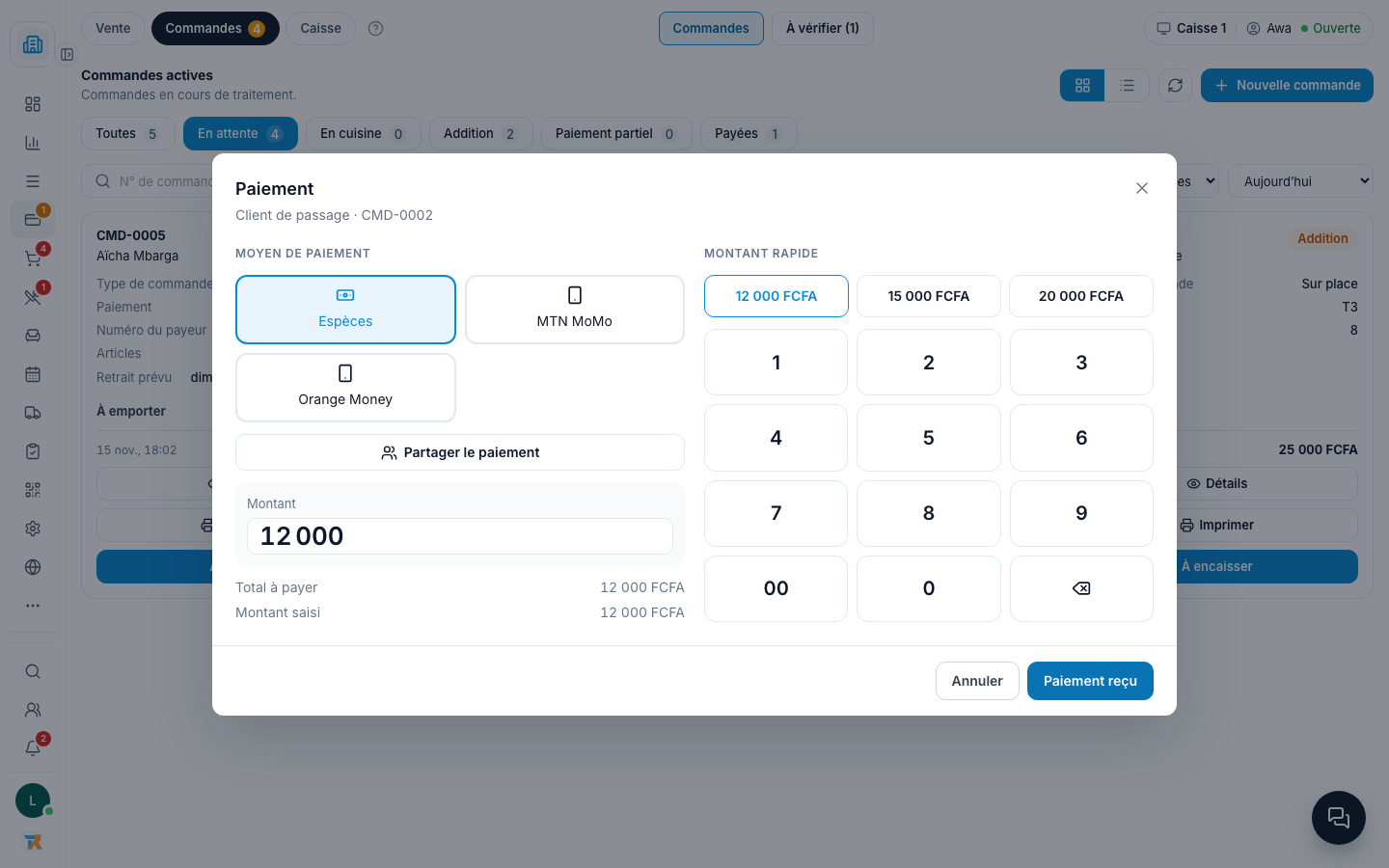
Cash or mobile money
At the cash desk, staff can always collect cash, delivery included. The mobile money methods enabled in settings (MTN MoMo, Orange Money) are offered too: enter the transaction reference to find the payment later.
Online, the customer pays in advance: cash is never offered, except cash on delivery if enabled (off by default).
Change and partial payment
Enter the amount received on the keypad or tap a quick amount (exact total or rounded up). If the amount exceeds the total, the change to give back shows. If it is lower, the partial payment is recorded and the balance stays visible on the order.
An order not yet sent to the kitchen and fully paid at the cash desk goes to the kitchen automatically.
Split the bill
“Split payment” divides the total between several payers: equal shares, by amount or by items. Each payer can use their own method; “Collect the shares” records each share.