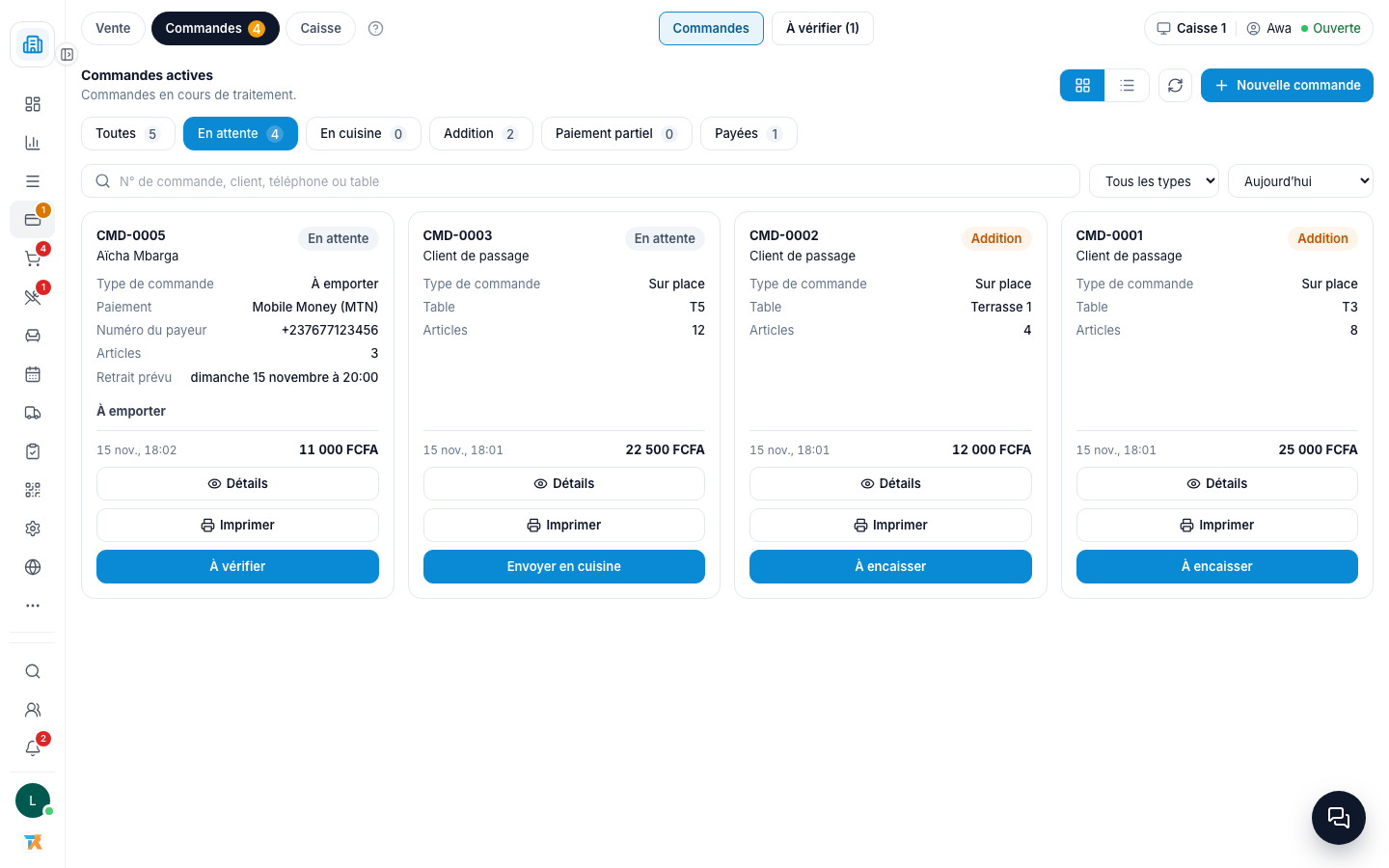
Open the register
The Cash desk collects dine-in, counter, takeaway and delivery orders. At the start of service, click “Open the cash desk” and enter the opening float (0 if none). Cash accounts are shared, so type your first name: the badge at the top of the screen then shows the station and cashier of the open session.
Collect an order
The Orders tab shows “Today’s” orders by default. “Clear all” goes back to Today; remove the period to see all dates. Each card shows the order, customer, amount and the state “To collect” or “Payment received”. If the waiter noted a payment when taking the order, it shows too.
- Open Cash desk, then the Orders tab.
- Choose an order “To collect”.
- Choose the payment method and enter the amount received.
- Confirm: the order becomes “Payment received”.