During service
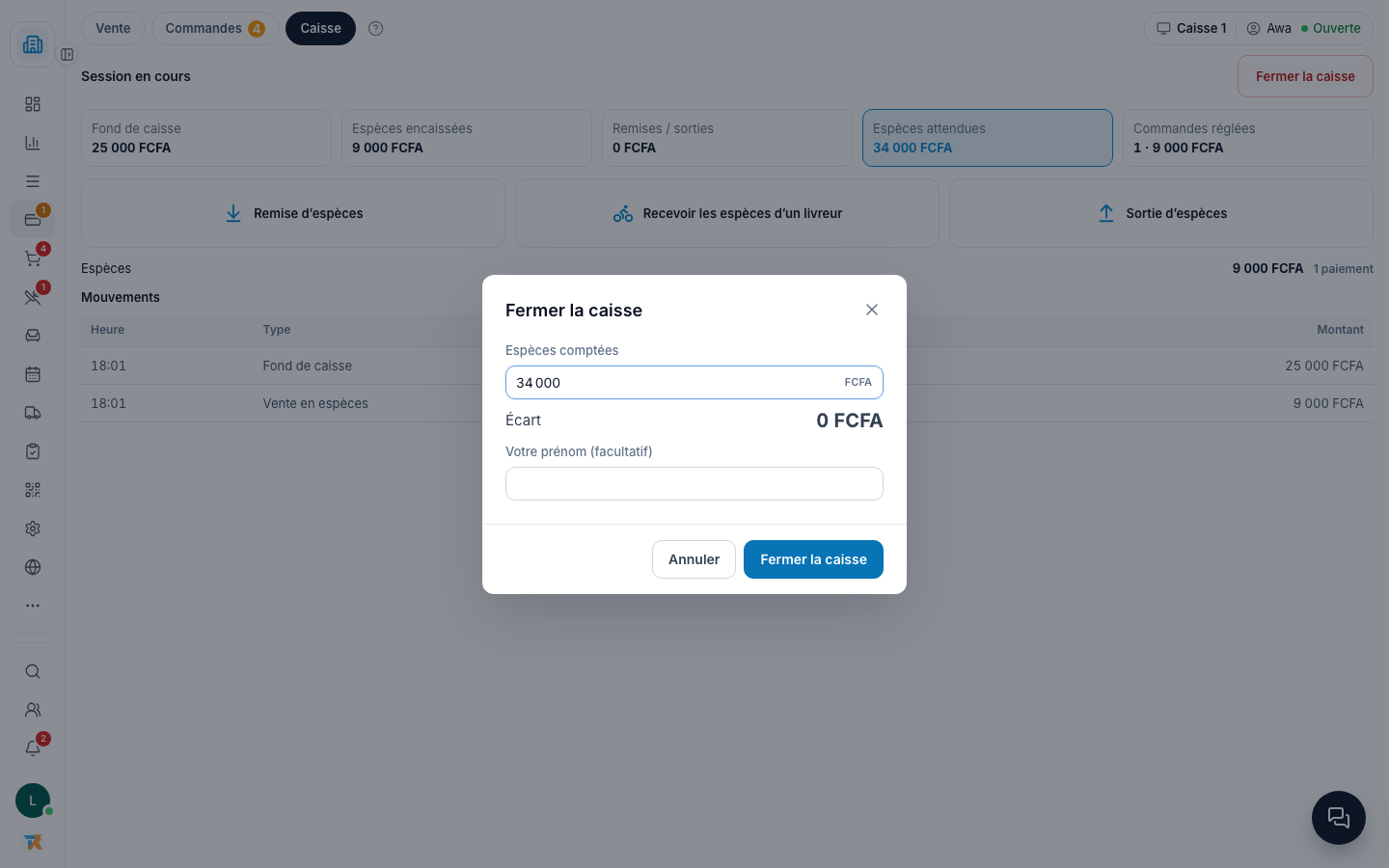
The ongoing session shows the opening float, cash collected and hand-overs or withdrawals. Record a cash withdrawal with its reason, or receive a courier’s cash for deliveries paid in cash.
Close the register
At the end of service, count the cash in the drawer. The Cash desk compares counted and expected cash and shows the difference; a reason is required if there is one.
- Click “Close the cash desk”.
- Enter the counted cash.
- Give the reason for any difference.
- Confirm, then print the summary if needed.
Cash report
The cash report sums up the team’s collections, services and hand-overs for one day, with each person’s difference. It is described in its own article.