
Skip to content

Product · Retain

Promo codes applied at checkout.

Percentage, fixed amount or free delivery: customers enter the code and the discount applies to the total.

Discounts show on the summary and the receipt.

How it works

Create, share, collect.

The checkout does the maths.

  1. Create the codeDiscount type and conditions.
  2. Share itWhatsApp campaign, story, message.
  3. Checkout applies itThe total is recalculated before payment.
3
discount types: percentage, fixed amount, free delivery
1
field at checkout to enter the code
0
maths to do: the checkout recalculates the total
Use cases

Three ways to offer a discount.

Percentage, fixed amount or free delivery.

Customer trying on a dress
Fashion store

Welcome new customers

A −10% code shared in a story for the first order.
  1. Percentage code
  2. Instagram story
  3. Discount at checkout
Open the demo storefront ›
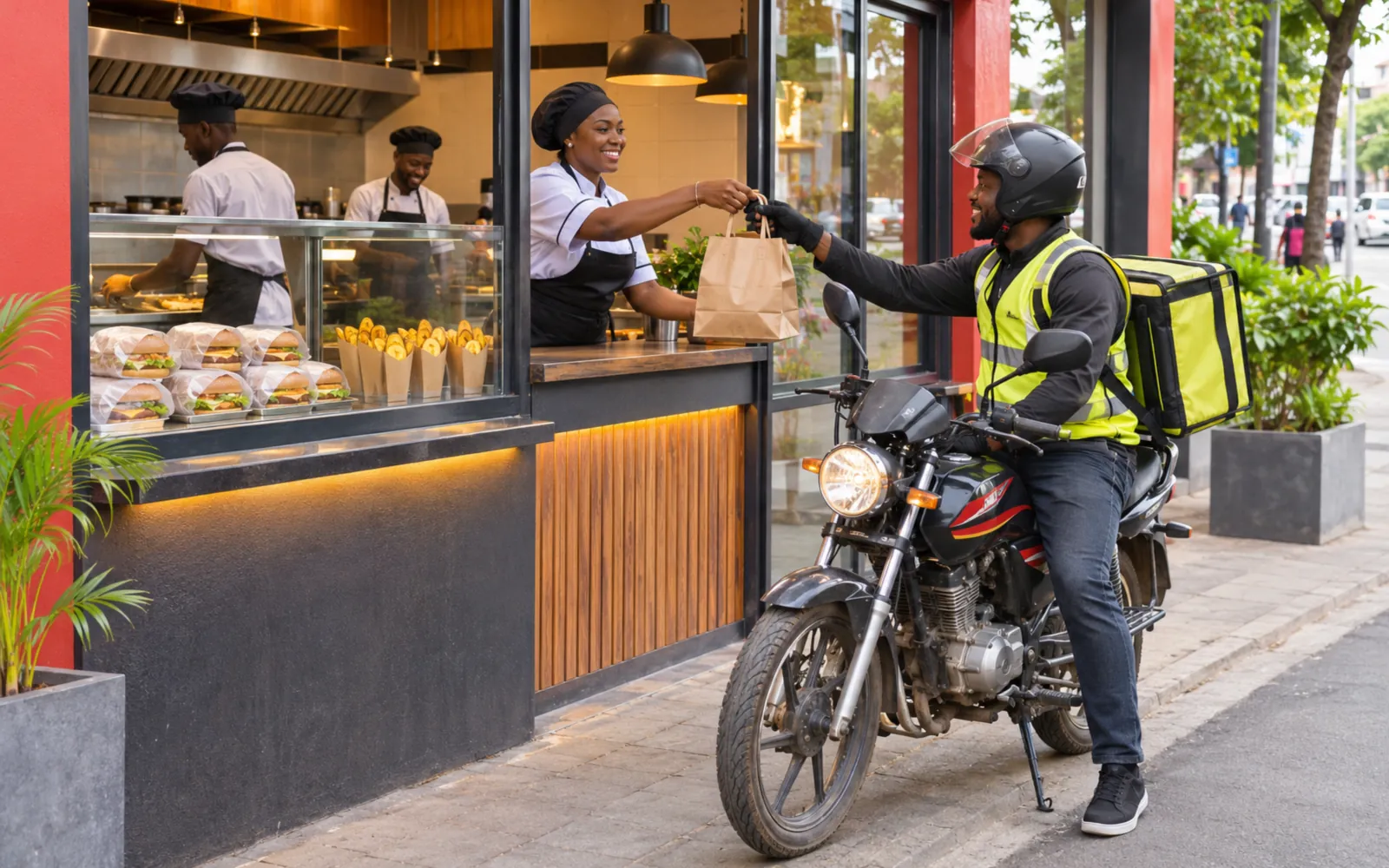
Fast-food delivery
Fast food

Free delivery Tuesday

A code that sets delivery fees to zero, sent by WhatsApp campaign.

  1. Free delivery
  2. WhatsApp campaign
  3. Fees at zero
Open the demo storefront ›
Online course on a laptop
Digital products

Launching an online course

A fixed amount off for the first buyers.

  1. Fixed amount
  2. Message to subscribers
  3. Total recalculated
Open the demo storefront ›
Benefits

Clear promotions.

  • PercentageA discount proportional to the cart.
  • Fixed amountA sum taken off the total.
  • Free deliveryDelivery fees set to zero.
  • Clean summaryDiscount shown line by line.
Available for

Retail, restaurants and services.

The same feature, adapted to your business.

Services

Salons, training and home services.

FAQ

Frequently asked questions

At the storefront checkout, before paying.

Try ThinqExperience on your business.

Free trial. Our team helps you connect your channels.